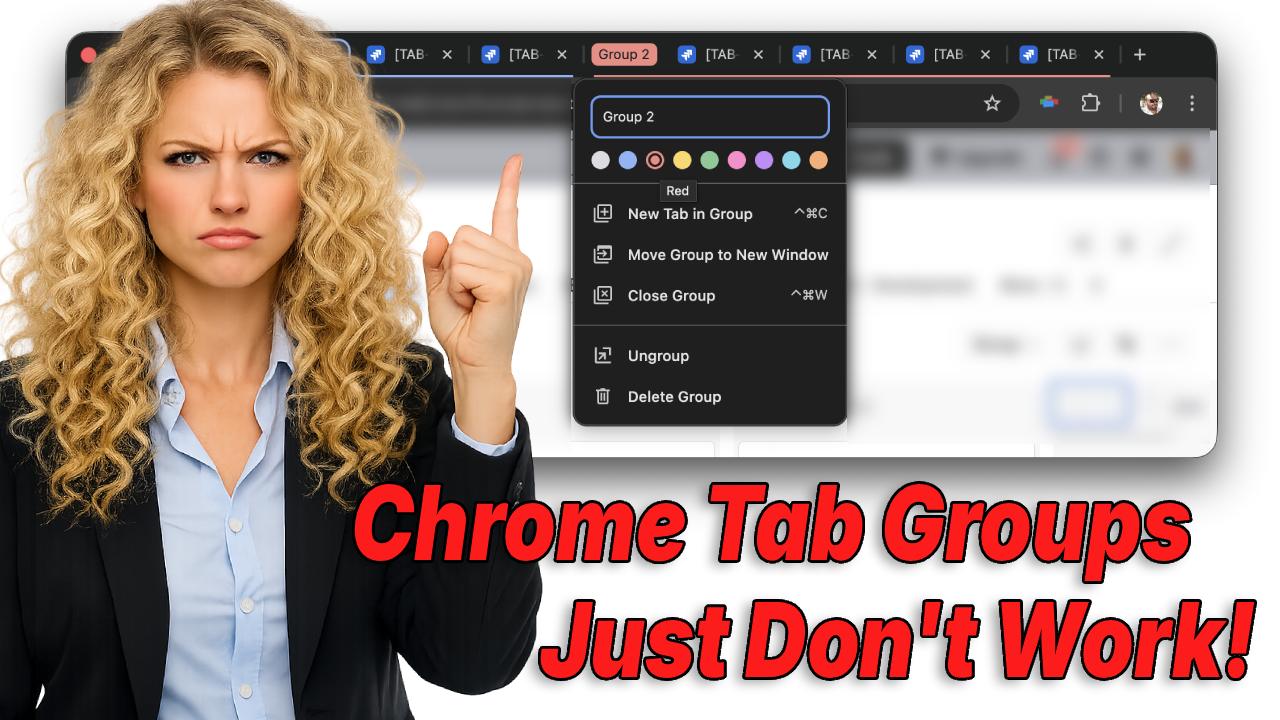
If you've ever had 20+ Chrome tabs open, you've probably tried tab groups.
They look promising:
- Collapse sections
- Add labels
- Reduce visual clutter
And for some workflows, they work well.
But if you're a heavy tab user, someone who keeps many tabs open and switches between them constantly, tab groups can introduce friction of their own.
This is where the difference between tab grouping and tab coloring becomes important.
What Chrome Tab Groups Are Good At
Chrome tab groups are helpful when:
- You want to separate tabs by project or category
- You don't need to switch between tabs frequently
- You're working in defined phases (open → work → close)
They shine when tabs can be contained.
If you're researching a single topic or parking tabs for later, grouping helps reduce visual noise.
Where Tab Groups Break Down
Tab groups start to struggle when:
- You work across multiple tools at once
- You constantly jump between tabs
- Tabs need to stay visible and accessible
Collapsed groups hide information.
Expanded groups take up horizontal space.
Either way, you're adding an extra step:
- Expand group
- Find tab
- Click
- Repeat
For heavy tab users, that overhead adds up.
How Tab Coloring Solves a Different Problem
Tab coloring doesn't organize by containment, it organizes by recognition.
Instead of hiding tabs, it helps you instantly distinguish them.
Color cues allow you to:
- Identify tabs at a glance
- Reduce mis-clicks
- Keep all tabs visible without scanning titles
This makes tab coloring especially effective when:
- Many tabs stay open all day
- Tabs represent ongoing work, not temporary tasks
- Speed and visual clarity matter more than strict organization
You can try our interactive demo to see how instant visual recognition works in practice.
Chrome Tab Groups vs Tab Coloring
The key difference isn't preference, it's workflow.
Tab groups:
- Prioritize structure
- Reduce visible tabs
- Work best for temporary collections
Tab coloring:
- Prioritizes recognition
- Keeps tabs visible
- Works best for continuous, multi-context work
If your browser feels overwhelming even after grouping tabs, the issue isn't discipline, it's that grouping solves a different problem than the one you're experiencing.
Which One Should You Use?
Many people actually use both.
Tab groups for:
- Parking tabs
- Long-term reference
- Project-level separation
Tab coloring for:
- Active work
- Fast switching
- Reducing mental load
To see how Chrome tab coloring works in practice, visit the Tab Colorizer Pro homepage or check out our frequently asked questions.
For a complete step-by-step solution page, visit How to Color Chrome Tabs.
If you want to learn more about visual tab organization strategies, read our other posts on why browser tabs look the same and how to organize tabs without closing them.