“Just close your tabs” is common advice.
It’s also unhelpful.
If you’re looking into chrome tab coloring, you’re
probably not trying to reduce your workload, you’re trying to manage it visually.
Why closing tabs isn’t the goal
For many people, open tabs represent:
- Active projects
- Work in progress
- Things they’ll return to later
Closing them doesn’t reduce mental load.
It increases anxiety.
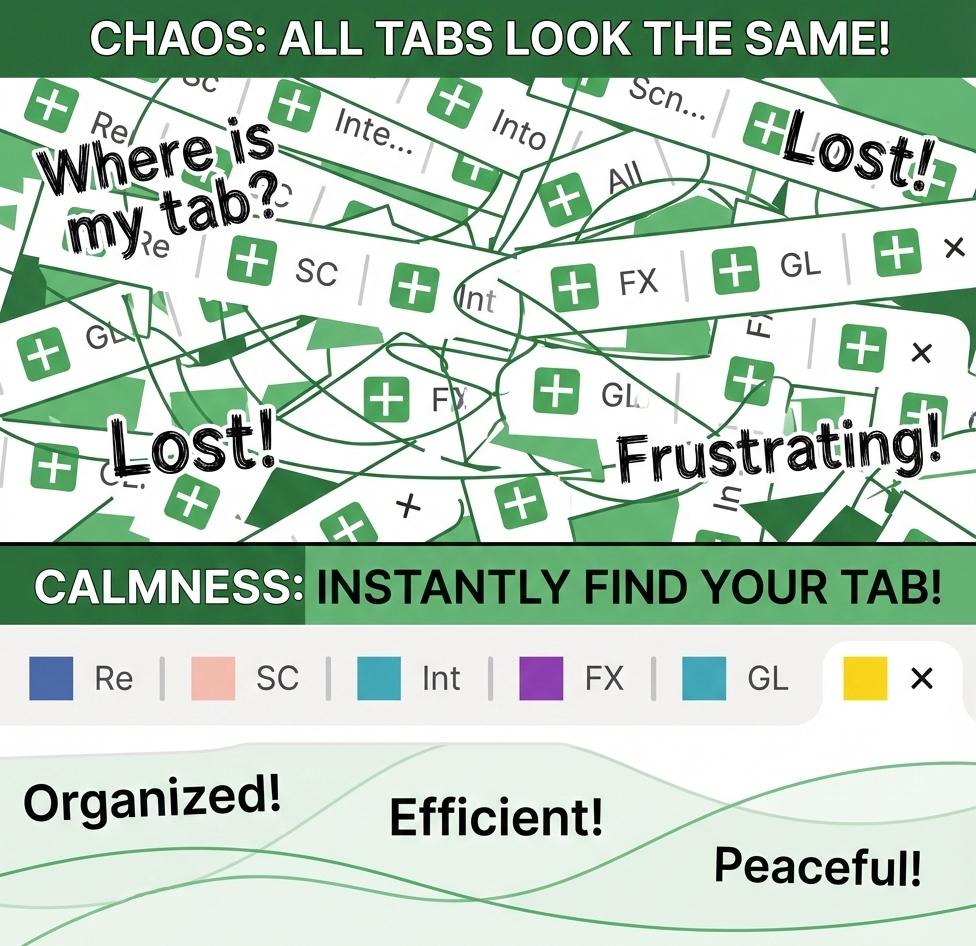
Visual organization beats memory
Your brain is great at:
- Recognizing color
- Spotting patterns
- Acting on visual cues
It’s bad at:
- Holding dozens of items in working memory
- Reading tiny text repeatedly
That’s why visual systems work better. Try our interactive demo to see the difference for yourself.
Why chrome tab color helps more than folders or groups
Folders and groups hide complexity.
Color reduces it.
When tabs are visually distinct:
- You stop scanning
- You stop misclicking
- You stop feeling behind before you start
The mindset shift
You don’t need perfect control.
You just need your tabs to stop demanding attention. Watch our demo
video to see how visual cues transform the browsing experience.
If you're ready to stop the tab chaos, check out our pricing options to get started with persistent tab colors today.
If you want the full practical walkthrough, visit How to Color Chrome Tabs.