If you regularly work with documents, dashboards, tickets, or reports, you've probably hit this moment:
You have 20+ tabs open.
You know the one you want is there.
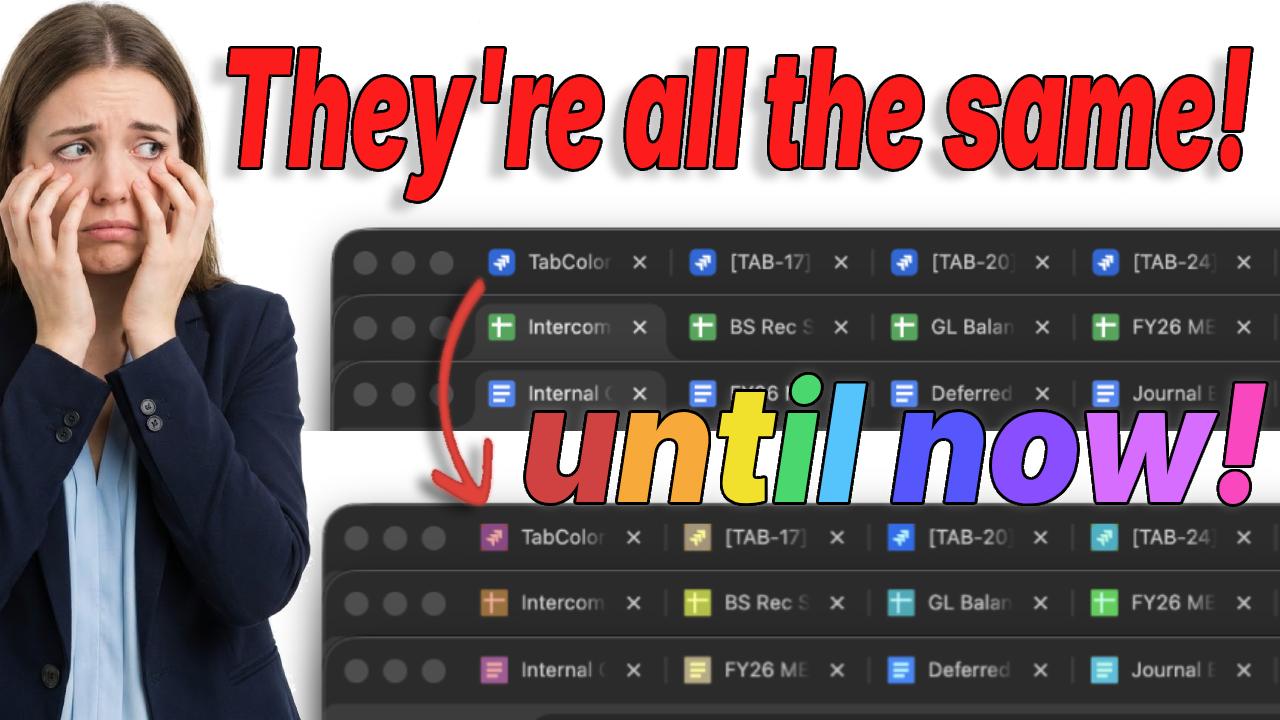
But every tab looks exactly the same.
Same favicon.
Same truncated title.
Same tiny sliver of text.
This is usually the moment people start Googling things like chrome tab color not because they care about aesthetics, but because their brain is tired of guessing.
And that exhaustion is real.
The real problem isn't too many tabs
It's visual ambiguity.
Chrome wasn't designed for how modern knowledge work actually happens.
Most web apps reuse the same favicon across every page. So when you open multiple docs, dashboards, or tickets from the same tool, Chrome removes the fastest signal your brain relies on: visual distinction.
Your brain wants to answer one simple question instantly:
"Is this the tab I need?"
When it can't, it has to slow down and read instead of recognize.
That tiny pause, repeated dozens or hundreds of times a day, creates real cognitive fatigue.
Why Chrome tab titles don't solve this
In theory, tab titles should help.
In practice:
- They're cut off
- They start with the same words
- You can't read them quickly at small sizes
Your brain isn't wired to scan text at that scale.
It's wired for color, contrast, and pattern recognition.
That's why people instinctively look for chrome tab color options, even if they don't quite know what they're looking for yet.
Why "just close tabs" isn't a real solution
You'll hear this advice constantly:
"Just close the tabs you're not using."
That assumes:
- You're done with them
- You'll remember where they were
- Reopening them later won't interrupt your flow
For many people, open tabs are their working memory.
Closing them doesn't reduce mental load.
It increases anxiety.
Tab groups help… until everything still looks the same
Chrome tab groups were a step forward.
They help you cluster related work, but they don't solve the core problem when:
- You work inside the same app across multiple contexts
- You switch tasks frequently
- Every tab inside a group still looks identical
Grouping organizes structure.
It doesn't solve recognition. For more details, see our post on how to color code tabs in Chrome.
Why chrome tab color actually helps your brain
Color is the fastest visual signal your brain can process.
Faster than text.
Faster than icons.
Faster than memory.
When tabs are visually distinct:
- You stop misclicking
- You stop scanning titles
- You stop losing your place
You move by instinct instead of effort.
A calmer way to work with tabs
Heavy tab users don't need fewer tabs.
They need tabs that are easier to recognize.
Some people use color to:
- Separate clients or projects
- Distinguish environments (prod vs staging)
- Identify task types (docs vs dashboards vs tickets)
- Keep long-running work visible without mental strain
The key isn't strict rules.
It's consistency that makes sense to your brain.
Your browser isn't broken.
And neither are you. Try coloring tabs yourself to see what works for you.