If you've ever searched for chrome tab color, you were probably hoping for a simple switch in Chrome's settings.
Unfortunately, Chrome doesn't quite work that way.
Here's what is possible today, and where the limitations start to show.
In this guide
- Can you color code tabs in Chrome?
- How to color tabs using tab groups
- Chrome tab groups vs true tab coloring
- Why Chrome doesn't support individual tab colors
- FAQ about Chrome tab colors
Can you color code tabs in Chrome natively?
Sort of, but not in the way most people expect.
Chrome lets you:
- Change your browser theme
- Use tab groups and assign colors to the group
- Pin tabs to keep them visible
What Chrome does not let you do:
- Assign a color to an individual tab
- Persist colors across sessions
- Visually differentiate tabs from the same website
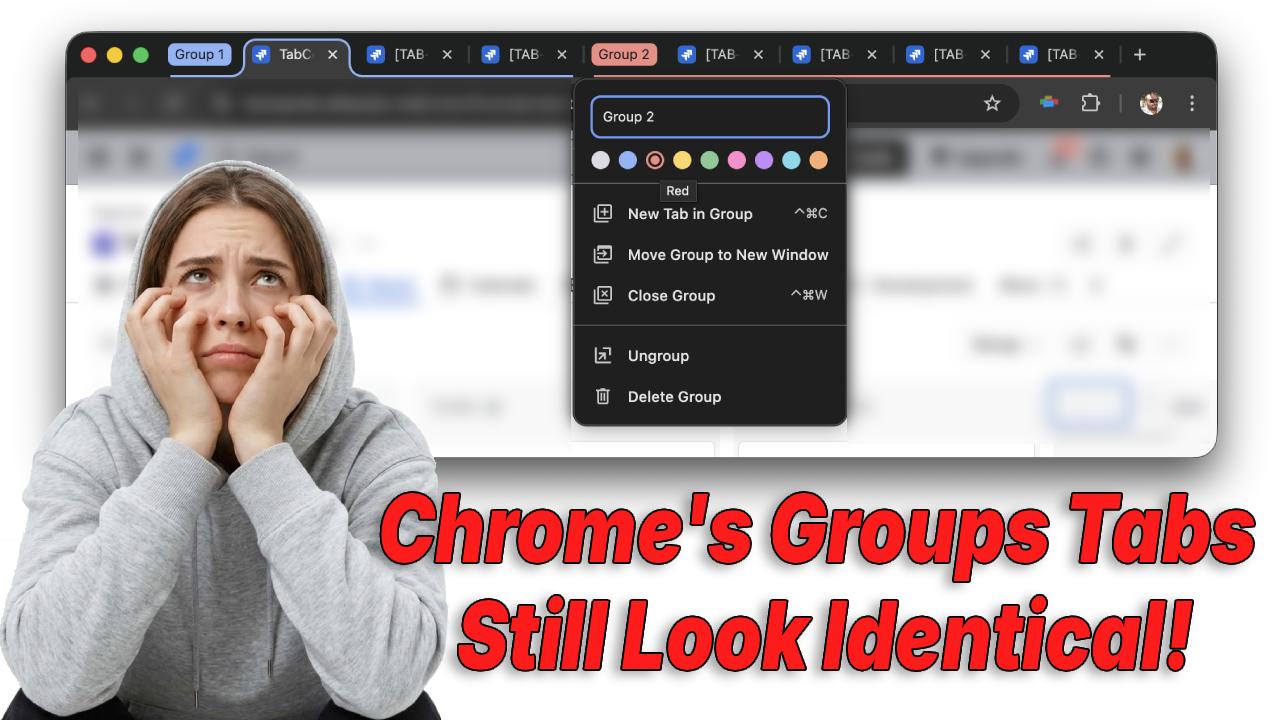
Why tab groups aren't true tab coloring
Tab groups help organize work, but they operate at a container level, not a recognition level.
Inside a group:
- Every tab still shares the same favicon
- Titles are still truncated
- You still have to read each tab to find the right one
Tab groups help categorize work.
They don't help you instantly recognize it.
How to Color Code Tabs in Chrome (Step-by-Step)
Chrome doesn't support true per-tab coloring, but you can simulate visual organization using tab groups.
Step 1: Right-click a tab
Right-click the tab you want to organize.
Step 2: Select "Add tab to new group"
Chrome will create a new tab group and open a small label editor.
Step 3: Choose a group color
You can assign one of Chrome's preset colors, such as:
- Blue
- Red
- Yellow
- Green
- Purple
The color appears on the group label and underline, not the tab itself.
Step 4: Add additional tabs to the group
Drag other tabs into the group to organize related work.
Step 5: Collapse the group (optional)
Click the group label to collapse the group and reduce tab clutter.
While this creates better organization, the individual tabs themselves still look identical.
Chrome Tab Groups vs True Tab Coloring
Many people searching for how to change tab color in Chrome are actually looking for per-tab color control.
Here's how Chrome compares to tab coloring extensions.
| Feature | Chrome Tab Groups | Tab Coloring Extensions |
|---|---|---|
| Color individual tabs | ❌ No | ✅ Yes |
| Color persists across sessions | ❌ No | ✅ Yes |
| Differentiate identical websites | ❌ No | ✅ Yes |
| Group related tabs | ✅ Yes | ✅ Yes |
| Instant visual recognition | ⚠️ Limited | ✅ Strong |
Tab groups help categorize tabs, but they don't help you identify them instantly.
Why Chrome Doesn't Support Individual Tab Colors
Chrome's design philosophy focuses on minimal visual noise.
Google intentionally keeps tabs visually simple so the browser interface stays consistent.
However, that design choice creates problems when users:
- Work with dozens of tabs
- Open multiple pages from the same site
- Need to switch contexts quickly
Because favicons repeat and tab titles truncate, recognition becomes slow.
Color is one of the fastest signals the brain processes, which is why many productivity tools rely on it.
Where Chrome Stops and Extensions Start
Chrome's built-in tools stop at tab grouping.
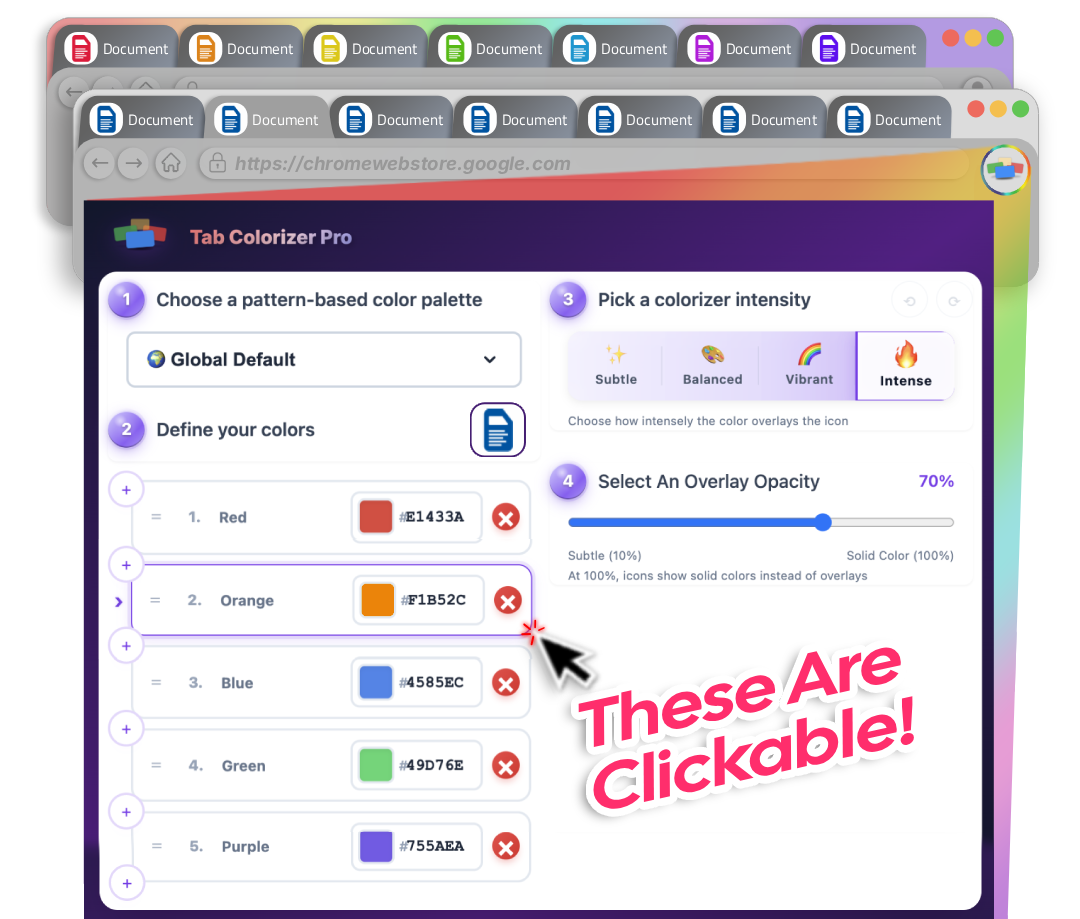
Extensions step in to provide features like:
- Per-tab color control
- Persistent colors across sessions
- Visual differentiation for identical tabs
If your problem is recognition, not organization, chrome tab color becomes essential.
FAQ: Chrome Tab Colors
Can you change the color of a single tab in Chrome?
No. Chrome does not currently support assigning colors to individual tabs. You can only assign colors to tab groups.
Why do my Chrome tab colors disappear?
Tab group colors may disappear if the group is closed or the browser session resets. Chrome does not always persist group structure across sessions.
Can Chrome themes change tab colors?
Chrome themes change the entire browser appearance, including the tab bar background.
However, they do not color individual tabs.
Is there a Chrome extension that colors tabs?
Yes. Some browser extensions allow you to assign custom colors to individual tabs, making it easier to recognize different tasks, workflows, or websites.
Related Guides
If you're trying to manage large numbers of browser tabs, you might also find these guides helpful:
- Why Favicons Fail for Managing Multiple Chrome Tabs
- How to Manage Too Many Chrome Tabs
- Best Chrome Extensions for Tab Organization
Final Thoughts
Chrome provides a few tools for organizing tabs, but true tab coloring isn't one of them.
Tab groups help structure your workspace, but they don't solve the core problem many users face: recognizing the right tab instantly.
That's why many Chrome users eventually look for solutions that add per-tab color control and persistent visual organization.